Quishing on Paper: When the QR Code on a Document Is the Attack
Invoices, parking tickets, letters "from the bank" — QR codes turn documents into phishing delivery vehicles. How quishing works and how to handle codes you did not generate.
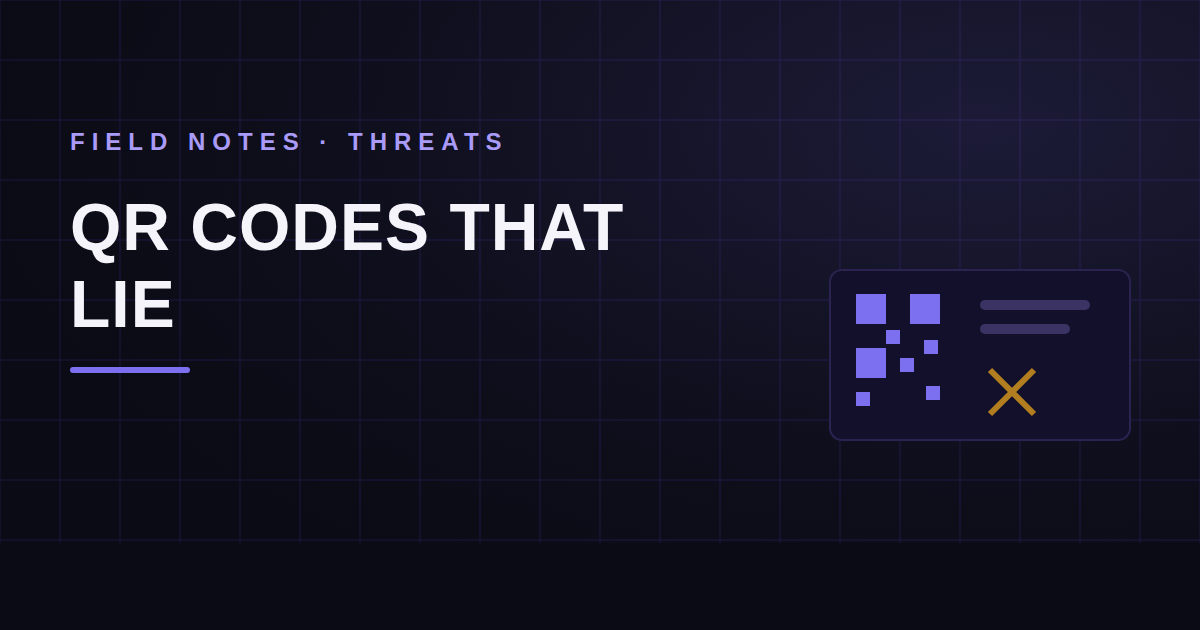
A QR code is a link you can't read. That single property — opacity to humans, transparency to phones — has turned the humble square into one of the most effective phishing delivery mechanisms in circulation. Security agencies have warned about the pattern for years: codes pasted over legitimate ones on parking meters, mailed letters impersonating banks with a "scan to verify your account" square, and increasingly, QR codes embedded in emailed PDFs and invoices precisely because image-based codes sail past text-oriented email filters (cisa.gov).
When the QR code arrives inside a document — an invoice, a delivery notice, a benefits letter — it borrows the document's credibility. That's the con.
Key takeaways
- A QR code inherits trust from the document around it while hiding its actual destination — the inverse of a readable link.
- Document-borne quishing clusters: payment redirection on invoices, credential phishing on fake official letters, and malware delivery via "scan for details" lures.
- The physical variant — stickers over genuine codes on posters, meters, and menus — means even authentic documents can carry hostile codes.
- Treat every scanned destination as untrusted: preview the URL, never enter credentials from a QR entry point, and navigate to sensitive services independently.
Why fraudsters moved to squares
Email security got good at reading links. It got much slower at reading pictures of links. Embedding the phishing URL as a QR image inside a PDF attachment neatly sidesteps URL rewriting and reputation checks, then transfers the click to the victim's phone — typically less protected than the corporate laptop, and displaying only a truncated URL in a scanner overlay. The FTC's consumer guidance describes the same funnel from the victim's side: a code in a trusted-looking context, a lookalike login page, harvested credentials (ftc.gov).
On paper, the trick is even simpler. A sticker over the real code on a parking meter redirects payments. A fake "toll violation" or "package fee" letter needs nothing but a laser printer and a square.
The document-fraud angle
For businesses, the dangerous variants are document-shaped:
- Invoice payment redirection. A real-looking invoice where the "scan to pay" code points at an attacker's payment page. Cousin of classic invoice fraud, but the redirect hides where a human would read an IBAN.
- Official-letter impersonation. Tax refunds, benefits, account verification — a letterhead plus urgency plus a square. The letter is fabricated; the code is the payload.
- Vendor document swaps. A genuine vendor PDF intercepted and reissued with one change: the QR destination. Everything else in the file is authentic, which is exactly what makes single-field edits the core problem of document fraud.
Handling codes you didn't generate
- Preview before you visit. Modern scanners show the destination; read the domain like you'd read a suspicious link — exact spelling, real TLD, no lookalike substitutions.
- Never authenticate from a QR entry. If a scanned page asks for credentials or card details, close it and navigate to the service yourself. Legitimate organizations survive that detour; phishing pages don't.
- Check the physical layer. On posters, meters, and counters: is the code a sticker on top of another code? Peel-test culture is real now.
- For documents, verify the sender through a known channel before acting on any embedded destination — the same independent-channel rule that defeats BEC-style payment fraud.
Codes inside files, files inside pipelines
If your intake pipeline receives documents at volume, QR codes deserve first-class treatment: extract them, resolve them, and reputation-check the destination before a human ever scans one off a screen. A document whose embedded code points at a domain registered nine days ago is a finding, regardless of how clean the letterhead looks. That's the posture worth automating — the document check reads the file, the URL check reads the destination, and the human only sees the ones that fail. Both halves are exactly what a layered document and URL analysis pass gives you: the square stops being invisible, and starts being evidence.
Frequently asked questions
Can a QR code itself contain malware?
Not directly — a code encodes data, usually a URL. The danger is the destination: a phishing page, a drive-by download, or a payment redirect. The code is the delivery vehicle, which is why previewing the decoded URL before visiting is the single highest-value habit.
Are QR codes on printed invoices ever safe to pay through?
Treat them as a convenience for invoices you were already expecting from senders you have verified through another channel. For anything unexpected, or any change to how a vendor asks to be paid, confirm through a known contact first — the same rule as any payment-detail change.
Check the email you are holding
Paste a raw message header into the free analyzer to see its authentication results and the route it actually travelled. No account needed.
Keep reading
The Padlock Lies: What HTTPS Actually Proves
The padlock is the most misunderstood symbol on the internet. It certifies the pipe, not the shop — and almost every phishing page you will ever see has one.
How to Redact a PDF Properly (Without Leaking the Data)
Drawing a black box over text does not remove the text. The difference between redaction and the appearance of redaction — and a workflow to make sure you're doing the first one.
Apostille vs. Legalization: Verifying Documents Across Borders
International documents carry authentication chains most reviewers have never been taught to read. How apostilles and consular legalization work — and how both get faked.