How to Tell if a Contract Was Altered After Signing
Two copies of "the same" agreement, one clause different. How to prove which version is real — from signature validation to word-level diffs and the PDF's own history.
It usually starts with a dispute. An invoice references payment terms you don't remember agreeing to. A counterparty forwards "the executed copy" and something about clause 7 reads wrong. You pull your version; theirs differs. One of these documents was altered after signing — and now proving which one is worth real money.
Here's the sequence forensic reviewers actually use, from the check that settles it instantly to the ones that require careful reading.
Start with the signing record
If the contract was signed digitally — through a signing platform or with certificate-based signatures — you may be one click from done. A true digital signature cryptographically seals the document's bytes at signing time; change so much as a comma afterward and validation fails, loudly. Open the PDF in a reader that validates signatures and check the panel: signatures valid and document unmodified since signing, or not.
Two caveats keep this from being the whole article. First, not everything called an "e-signature" carries that seal — a pasted signature image proves nothing about integrity. Second, plenty of contracts still get signed in ink, scanned, and emailed, which is precisely the workflow the rest of these checks exist for.
Diff the versions word by word
When two versions exist, never eyeball a forty-page document for differences — humans are terrible at spot-the-difference across pages, and the alteration was designed to be missable. Extract the text and run a proper word-level comparison. Get every difference on the table at once: sometimes the "one changed clause" turns out to be three changed clauses, and the pattern of what changed (payment terms, liability caps, termination dates, notice periods) tells you the alteration's purpose.
Comparison also settles the innocent cases quickly — sometimes the versions differ because of a legitimate amendment everyone half-remembers, and the diff matches the amendment. The tool doesn't care; it just shows you what changed.
Look at the fonts and spacing
Text inserted into a finished document rarely matches its surroundings perfectly. The original was set in one font, by one program, in one pass; the insertion happened later, in a different tool, by someone matching by eye. The tells: a substituted font that's almost right (a system font impersonating the original's), subtle size differences, baselines that sit a pixel off, letter-spacing crushed or stretched to force a longer clause into the original's space, or line breaks that reflow oddly around one paragraph.
Font forensics is tedious by eye and mechanical for software — comparing font inventories across two versions of the same contract surfaces "this span uses a font that appears nowhere else in the document" immediately.
Read the PDF's own history
A PDF remembers more than most people editing one realize. Its internals record the software chain that produced it, and PDFs modified with standard tools often carry incremental updates — the original content is still in the file, with changes appended on top. A contract whose file structure shows content added after the signature field was filled, or whose metadata timestamps postdate the signing date, is telling you its own story. The full toolkit — producers, revision history, object-level analysis — is the same one used for any edited-PDF question, and it works on contracts exactly the way it works on invoices.
Scanned contracts have no such internals — a scan is pixels. There, the pixel-level checks (font consistency within the image, cloned regions, resolution mismatches between areas) carry the load.
Watch for the page swap
The oldest contract alteration barely involves editing: reprint one interior page with different terms and substitute it into the signed original. Signatures stay genuine — they're on the last page — while page 4 quietly changed. The tells are physical and typographic: one page whose scan geometry, background noise, or staple shadows differ from its neighbors; page numbering or footer fonts that don't quite match; paper texture that changes mid-document in an otherwise uniform scan.
Page-swap defense is also where prevention beats detection easily: initials on every page, page counts in the signature block, and — better — signing digitally so the seal covers the whole document.
Make the next contract tamper-evident
The dispute you're researching today is the argument for changing how you sign tomorrow. True digital signatures make post-signing alteration self-announcing. Retaining your own executed original — with a hash of the final file recorded somewhere you control — turns "which version is real" into a lookup instead of an investigation. For teams that live on agreements, building verification into the document workflow means the check happens by default, not just when a dispute forces it.
Frequently asked questions
Can a PDF contract be altered after signing?
If it carries a true digital signature, any alteration invalidates the signature — the change is possible but self-announcing. If it was signed with a pasted image, printed-and-scanned, or never cryptographically sealed, then yes: the file can be edited like any PDF, and detection depends on comparison, font analysis, and the file's internal history.
Does a digital signature prevent contract tampering?
It prevents undetected tampering of the signed file — validation fails the moment content changes. It can't stop someone producing a separate, altered copy and claiming it's the real one; your defense there is retaining the sealed original, because in a version dispute the cryptographically intact copy wins.
What if I only have a printed copy?
Then the analysis moves to the physical and typographic layer: word-level comparison against any other copy that exists (including drafts and emailed versions), font and spacing consistency, page-level artifacts suggesting a swap, and the negotiation record — emails quoting clause language are often the decisive corroboration. Printed disputes are winnable; they're just slower.
Check the PDF you are holding
Run a free PDF X-Ray in your browser — it recovers text from the file’s earlier revisions, so you can see what a value was before it was changed. No account needed.
Keep reading
The Document Forensics Glossary, in Plain English
Fifty-plus terms from PDF structure, image forensics and the signature world, defined for the person reading a forensic report rather than writing one — including what each one does not mean.
When Was This Really Made? A Field Guide to Document Time
Documents carry more clocks than people expect — and fraud usually breaks at least one. Where timestamps live, which ones lie easily, and how to read them together.
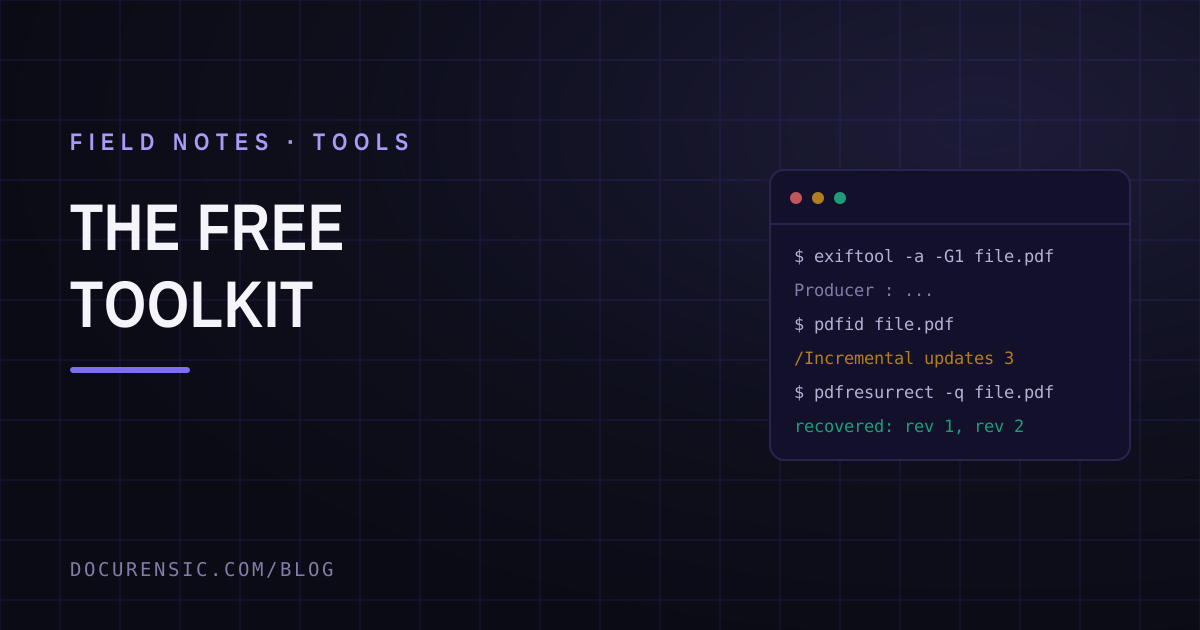
The Free Document Forensics Toolkit
ExifTool, pdfid, qpdf, mutool, FotoForensics and the rest — what you can genuinely establish about a suspicious document with software that costs nothing, in what order, and the four things free tooling cannot do.