OCR vs Document Forensics: Reading Isn't Verifying
OCR tells you what a document says. It has nothing to say about whether it's real. Why extracting a document isn't verifying it — and why you need both, in order.
A lot of teams believe they've automated document verification when what they've actually automated is document reading. They run uploads through OCR, pull out the fields, drop them into a system, and move on — confident that because a machine processed the document, the document was checked. It wasn't. OCR tells you what a document says. It has nothing to say about whether the document is real. Those are different questions, and confusing them is how fabricated documents sail through "automated" pipelines.
Here's the distinction, laid out plainly, because deciding which one you actually need — usually both — depends on seeing that they solve different problems.
What OCR does
Optical character recognition converts the text in an image or PDF into machine-readable data. Point it at an invoice and it hands you the vendor name, the total, the date, the line items as structured fields. It's the extraction layer: it turns a picture of a document into data you can process, route, and store.
OCR is genuinely useful and genuinely necessary. Without it, every document is an opaque image a human has to key in by hand. It's the front door of any document workflow. But notice what it's optimized for: reading accurately. A perfect OCR result on a completely fabricated invoice is still a perfect OCR result. The technology has no opinion about authenticity — it reads a forgery exactly as faithfully as it reads a genuine document, and reports both as clean text.
What document forensics does
Document forensics asks the other question: is this document authentic, or has it been altered or fabricated? It examines the artifact rather than the text — the metadata and edit history, the consistency of fonts and layout, the tell-tale traces of tampering, whether a "scanned" document was actually authored in editing software, whether elements were pasted in. It produces a judgment about trustworthiness, not a transcription of content.
Forensics doesn't care much what the invoice total says. It cares whether that total was typed over the original figure, whether the document's structure matches how a genuine one is produced, whether the file's history is consistent with its claims. It's the layer that catches the altered document OCR happily read and passed along.
The core difference in one table
| OCR | Document forensics | |
|---|---|---|
| Question answered | What does it say? | Is it authentic? |
| Works on | The text content | The file, structure, and artifacts |
| Catches a fabricated invoice? | No — reads it perfectly | Yes — flags the tampering |
| Output | Structured data | A trust verdict + evidence |
| Role in the pipeline | Extraction / intake | Verification / gatekeeping |
The row that matters most is the third one. Ask any "automated document processing" setup a simple question — does it catch a fabricated invoice? — and if the answer is OCR, the answer is no.
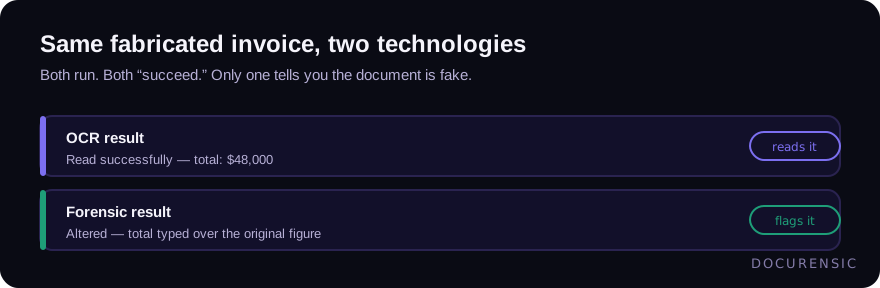
Both ran. Both "succeeded." Only one told you the document was fake.
Where the confusion causes real damage
The dangerous pattern is a pipeline that treats successful extraction as successful verification. Documents come in, OCR reads them cleanly, the data flows downstream, and everyone believes the documents were vetted because the process felt automated and thorough. Meanwhile, nothing in that pipeline ever asked whether the documents were real. A fabricated invoice, an altered pay stub, a doctored statement — all of them OCR beautifully and pass straight through.
This is why automated invoice processing without a forensic layer has a fraud blind spot baked in: the automation made intake faster and verification invisible, which is worse than slow verification, because it's absent verification that looks present.
Which should you choose?
It's not really a choice — it's an order of operations. You need both, in sequence:
- OCR to read. Extract the fields so the document becomes workable data. This is the intake layer and it's non-negotiable for any volume.
- Forensics to trust. Before that extracted data drives a decision or a payment, verify the document is authentic. This is the gate.
If you only have OCR, you have a fast pipeline that can't tell a real document from a fake one. If you somehow only had forensics, you'd know which documents to trust but couldn't easily use their contents. Together, they're intake plus gatekeeping: read the document, then decide whether to believe it. The mistake is stopping after the first step and calling it verification.
Frequently asked questions
Is OCR the same as document verification?
No. OCR reads and extracts the text from a document, converting it to structured data. It doesn't assess whether the document is authentic — it reads a forgery just as accurately as a genuine document. Verification requires document forensics, which examines the file's structure and artifacts to judge whether it's real. OCR is intake; forensics is the trust check.
Can OCR detect a fake or altered document?
Not reliably. OCR's job is accurate reading, and a fabricated document contains perfectly readable text, so OCR reports it as a clean, successful extraction. Detecting alteration or fabrication requires forensic analysis of metadata, fonts, layout, and tamper traces — a different technology answering a different question.
Do I need both OCR and document forensics?
For most document workflows, yes. OCR turns documents into usable data; forensics verifies those documents are authentic before their contents drive a decision or payment. Using OCR alone creates a pipeline that processes documents quickly but never checks whether they're real — a fraud blind spot that looks like thorough automation.
Check the PDF you are holding
Run a free PDF X-Ray in your browser — it recovers text from the file’s earlier revisions, so you can see what a value was before it was changed. No account needed.
Keep reading
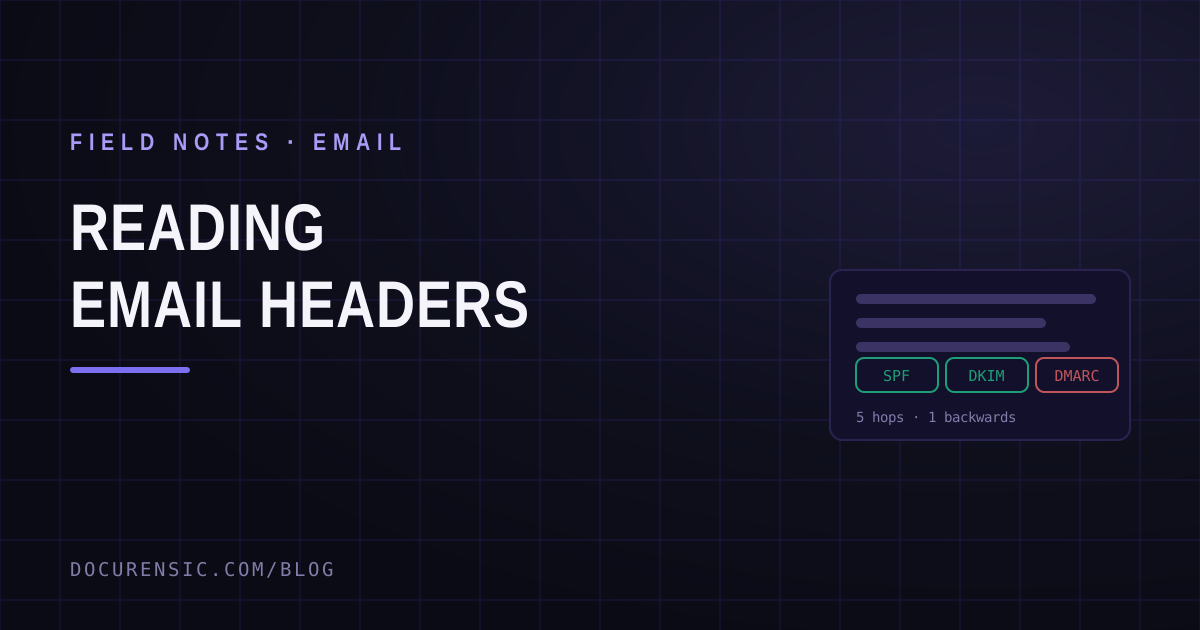
Reading Email Headers: The Trail a Message Can't Fake
Everything a sender types can be forged. Everything the relay servers stamped on the way through cannot be rewritten after the fact — which is why the headers are where the answer lives.
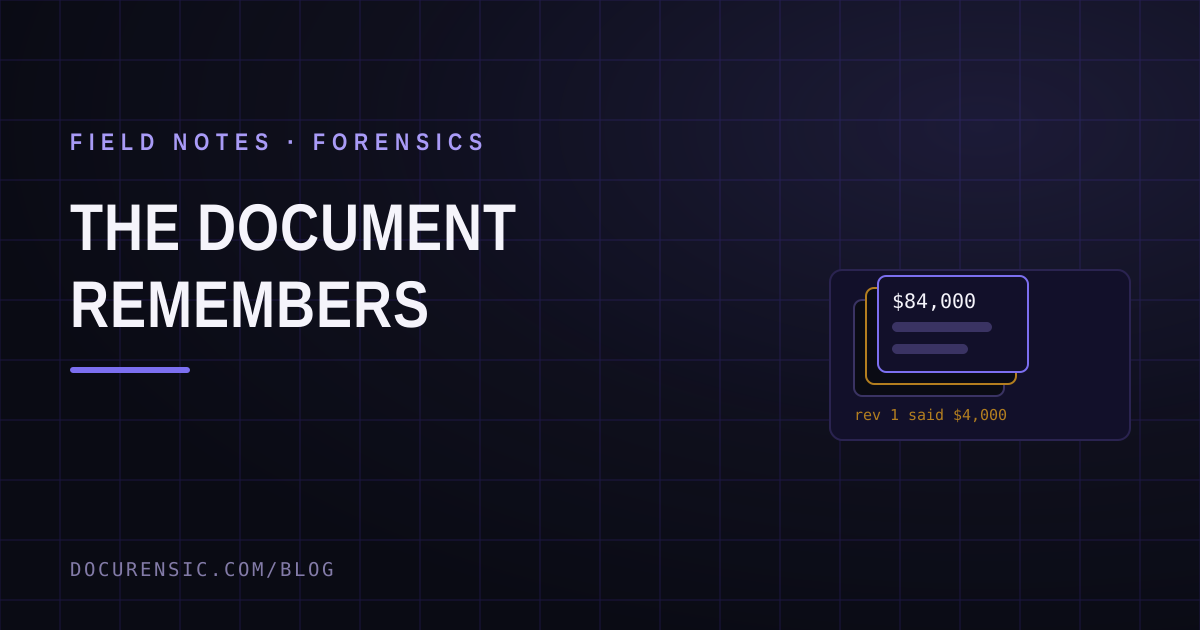
The Document Remembers: Recovering What a PDF Used to Say
Change a PDF and save it, and most software leaves the old version physically inside the new one. Sometimes the amount before the edit is still sitting there, waiting to be read.
Choosing a Document Verification API: An Integration Guide
What a document verification API actually returns, how to wire one into your intake flow, and the questions worth asking before you commit to a provider.